
ImageToPSD
ImageToPSD separates flat images into subject, text, graphic, and background layers, reconstructs what is hidden behind each one, and exports a real layered PSD for Photoshop, Photopea, and Figma.
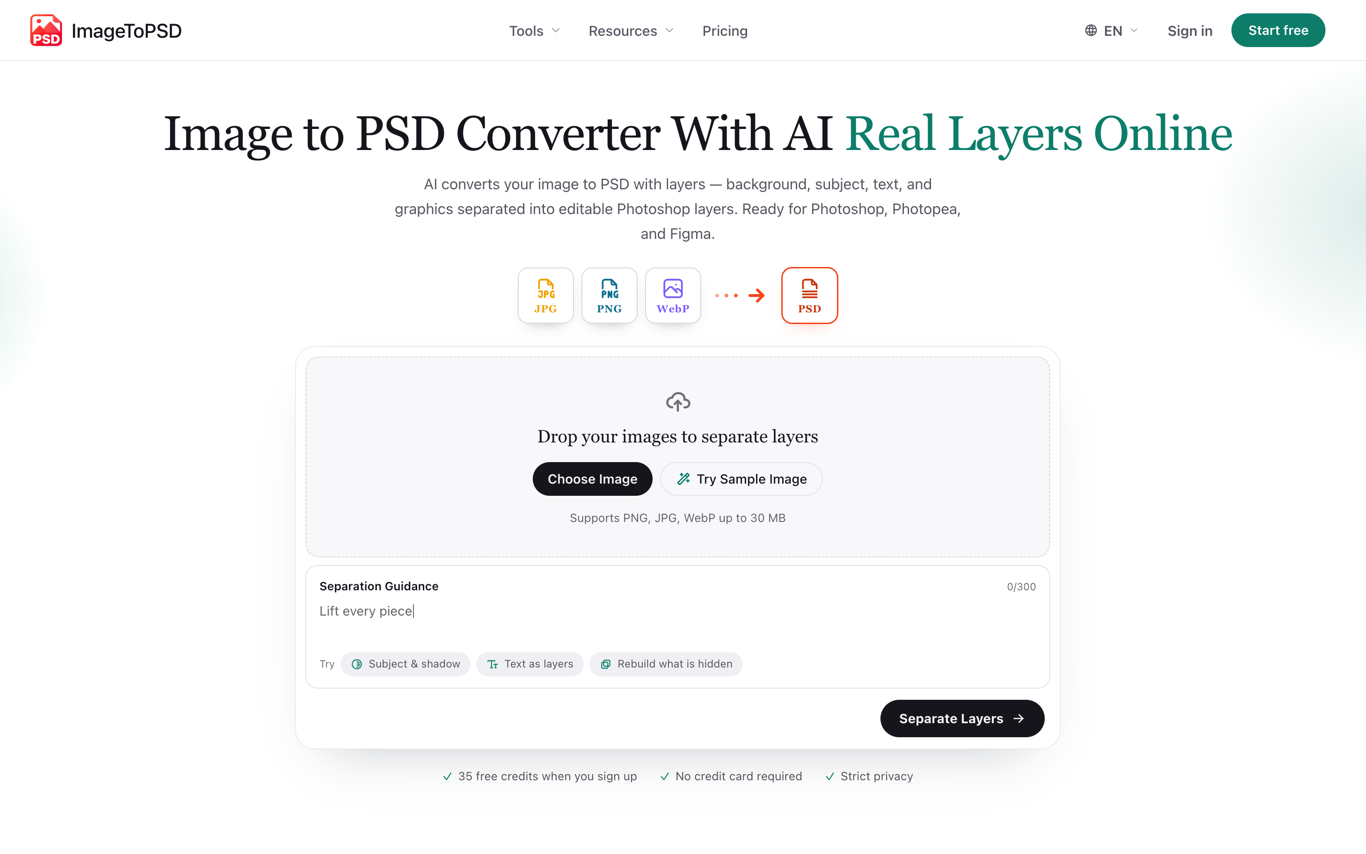
🚀 Real PSD Layer Separation: ImageToPSD reads a flat JPG, PNG, or WebP and splits it into as many as 16 distinct layers — foreground subjects, text blocks, logos, badges, product areas, and background — instead of wrapping the original raster in a renamed file. An optional separation prompt steers the split toward specific elements, such as lifting every piece of text onto its own layer.
💡 Smart Background Inpainting: Hiding or moving a separated element normally leaves an empty hole behind it. The converter reconstructs the background textures occluded by each subject and keeps cast shadows and soft edges intact, so every layer stays complete once it is reordered, repositioned, or switched off.
🔧 Photoshop-Ready Exports: Layer groups, layer names, and alpha transparency survive export. Files download as a real layered PSD or as a transparent PNG stack, and open directly in Photoshop, Photopea, Affinity Photo, and Figma. Companion converters handle the reverse direction, exporting a PSD back to JPG or PNG.
🎨 In-Browser Layer Editor: A web canvas covers the work that follows separation — reorder the stack, toggle layer visibility, and adjust individual plates without leaving the browser. Desktop Photoshop stays optional rather than required, which keeps the workflow usable on machines without an Adobe license.
🌟 Who It Is For: Designers rebuilding editable sources from flattened client artwork, marketers reworking finished banners and ad creatives, and anyone converting AI-generated output from Midjourney, DALL·E, or Stable Diffusion into layers that can still be edited. Inputs up to 30 MB are supported.
📈 Free Tier and Pricing: Signing up grants 35 credits — one full 8-layer separation at up to 1.5K output — with no card required. Paid plans start at 9.9 USD per month for 500 credits and unlock the full 16-layer depth, 2K output, and a priority processing queue; yearly billing cuts 33%, and credit packs are available without a subscription. Uploaded files are auto-deleted after one hour.

Similar to ImageToPSD


