

trae
TRAE 3.0 / SOLO embeds AI across the dev lifecycle. SOLO plans, builds, and deploys production code. IDE mode adds agents into editors. Open agent framework, MC
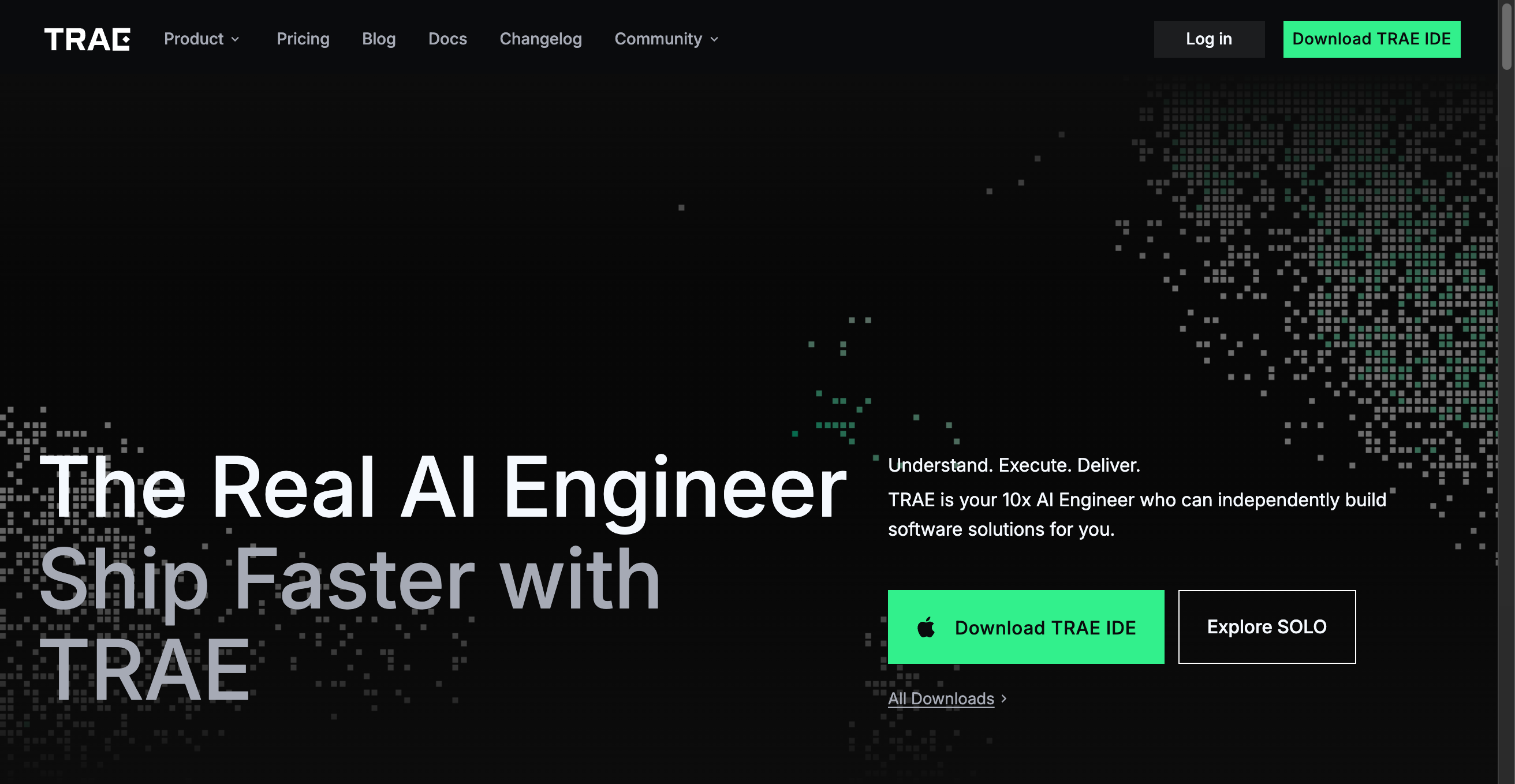
Product Overview TRAE is an AI-centered development platform positioned as a “10x AI Engineer,” designed to automate and accelerate the end-to-end process from idea to release. TRAE 3.0 introduces SOLO mode, offering a truly responsive autonomous coding agent while preserving an IDE mode to support seamless collaboration with traditional workflows. Official site & downloads: Explore SOLO (https://www.trae.ai/solo), All Downloads (https://www.trae.ai/download).
Core Capabilities
- SOLO mode: A fully autonomous coding agent that accepts requirements, plans tasks, calls tools, implements code changes, integrates databases, and deploys to production. Users retain visual oversight while the AI handles complex implementation details.
- IDE mode: Embeds agent capabilities into the editor, suitable for iterating, reviewing, and fine-tuning code alongside developers.
- Multi-agent collaboration: Built-in expert agents, the ability to create custom agents, support for sub-agent calls, and a community-sharing ecosystem make it easy to break down complex problems and solve them in parallel.
- Smart tool integration (MCP): The Model Context Protocol allows agents to pull external resources on demand. Built-in preview tabs let agents interact with page elements, read console logs, and perform real-time debugging.
- Deep context understanding: TRAE can parse local code repositories, external docs, and search results, and supports custom rules to constrain AI behavior, improving execution accuracy and consistency.
- CUE autocompletion: An autocompletion experience optimized for developer intent—predicts the next edit on Tab and can apply suggestions across lines.
Developer Experience & Value
- From requirement definition to implementation, DB integration, and deployment, SOLO can handle end-to-end tasks, significantly speeding up delivery.
- The open agent framework makes it easy to build specialized agents for specific workflows, offloading repetitive or specialized tasks to automated teams.
- Real-time previews and debugging capabilities reduce context switching between tools, improving debugging and iteration efficiency.
Community & User Feedback TRAE has received substantial positive feedback. Users commonly praise the UI design, responsiveness, understanding of large codebases, and performance in complex refactor scenarios. Common highlights include SOLO’s end-to-end delivery capabilities, productivity gains from Builder mode, and a smooth experience as an alternative to VSCode.
Use Cases
- Solo developers or small teams needing to quickly turn ideas into working products
- Mid-to-large teams wanting to automate routine coding, testing, and deployment tasks with AI
- Complex engineering projects that require deep code context, external resource access, and integrated debugging
Call to Action Visit https://www.trae.ai/solo to try SOLO or get different versions from https://www.trae.ai/download.
Tags:

Similar to trae